Aquarium power supply mount STL generator
A stand cabinet is a damp place: salt creep, drips off the sump, humid air. Power bricks belong up on the wall, not on the floor where a leak finds them first. Type your brick’s width, height and depth, and ReefCAD builds a holder around it with the clearance you choose.
Free to design · 1 credit per new design · Watertight STL + 3MF

How it works
Your numbers, not ours.
Pick an open-front cradle that the brick snaps into, or a full sleeve with a push-on cap at each end. Cable slots run in from the front edge, so cables go in without unplugging anything, and the drip hood sheds water off its front edge, clear of the brick.
What you can tweak
- Device width 20–300 mm, height 10–200 mm and depth 10–150 mm, plus fit clearance
- Open-front cradle with snap lips, or a full sleeve with end caps
- Cable slot width and position at each end
- Vent slots in the bottom (and the front of a sleeve)
- Drip hood with the overhang you choose
- Screw tabs, zip-tie slots or a flat back for adhesive pads


Print tips
Print it right the first time.
Calibrate once
Print the free Fit-Test Coupon with the printer, nozzle and filament you’ll use. ReefCAD applies the result to the holes and friction fits it makes after that.
Pick your printer first
Choose your printer (or enter its bed size) and ReefCAD checks the part against the bed before you export.
Use PETG or ASA in the tank
For parts that live in saltwater, skip PLA. The filament guide explains the trade-offs.
FAQ
Power Supply Mount questions.
Brick-shaped ones: LED drivers, pump and wavemaker power supplies, laptop-style bricks. Measure yours with calipers, type the three sizes and set the clearance (0.5 mm per side to start).
No. Cable slots run in from the front edge, so each cable slides in with the brick. On a sleeve, each end cap has the same slot and slips on over its cable.
No. The cradle prints on its back with its snap lips angled at 45°. The sleeve prints standing up, and its drip hood has a 45° underside.
Screw tabs at each end, zip-tie slots for wire shelves and pegboard, or a flat back for adhesive pads.
More parts
Same fit, different job.
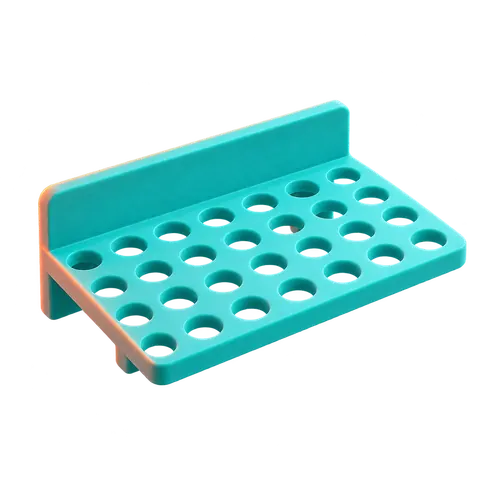
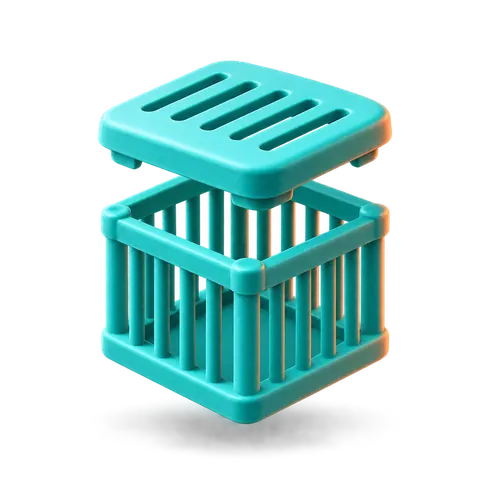
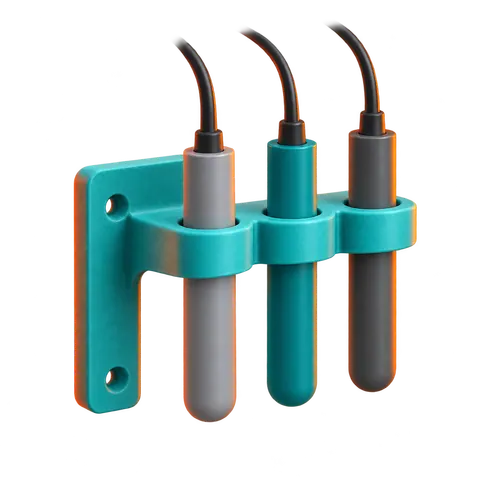
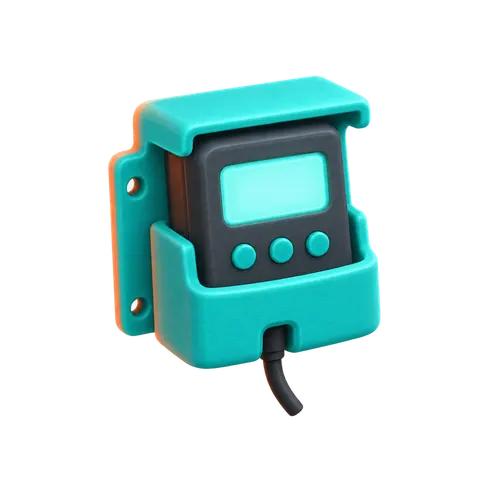
- Water Test StationOne home for your reef test kits.Reef water test station STL generator


Stop buying racks that almost fit.
Your tank, your plugs, your printer. Design it in a minute, print it tonight.